Counting
Row counters that stay put
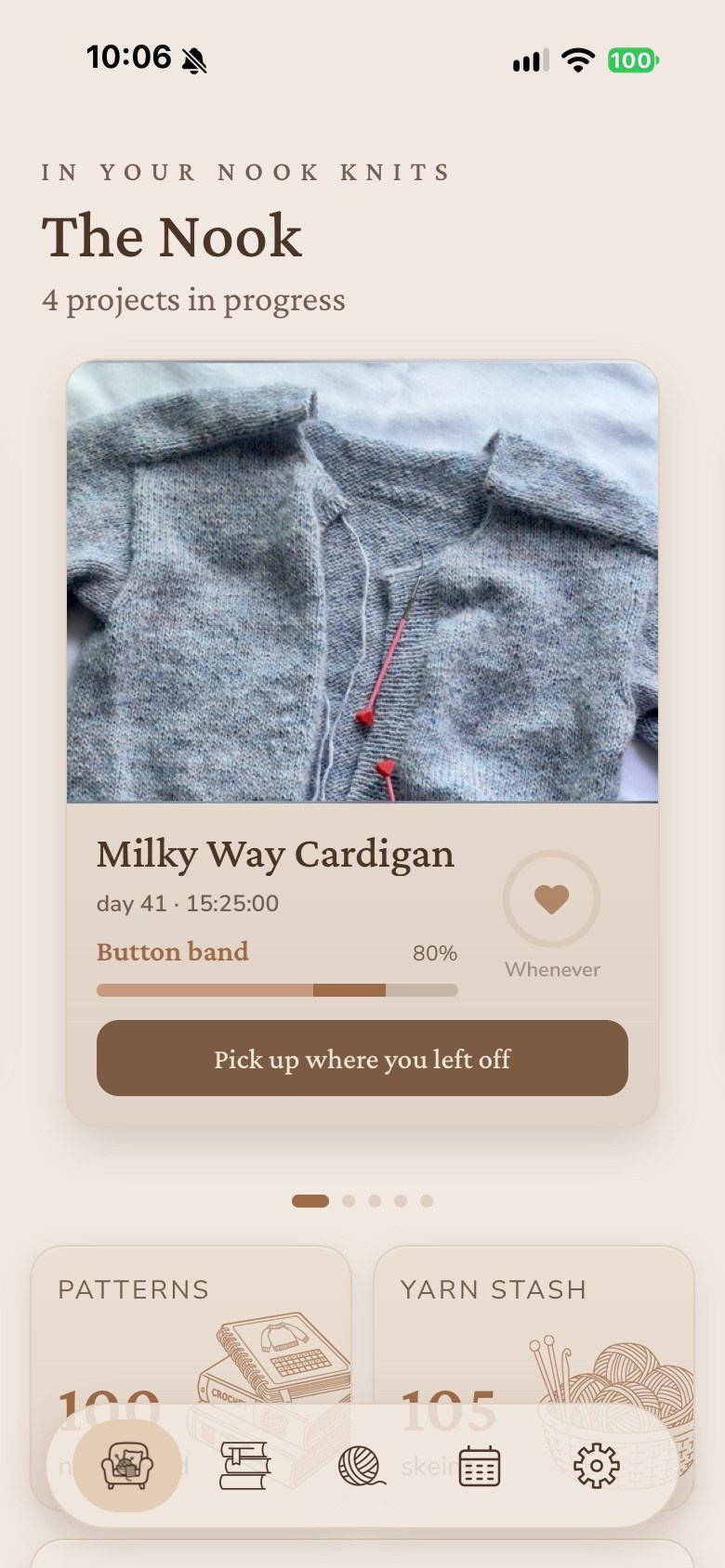
Keep a counter running for each project you have going. The count is still there the next time you open the app.
A knitting and crochet companion for iOS and Android
Counters, pattern PDFs, stash, and the hours you put in, all in one app. Put the work down mid-row and pick it back up knowing exactly where you were.
The beta is open on TestFlight right now. Coming soon to the App Store. Android's in the works.
What is inside
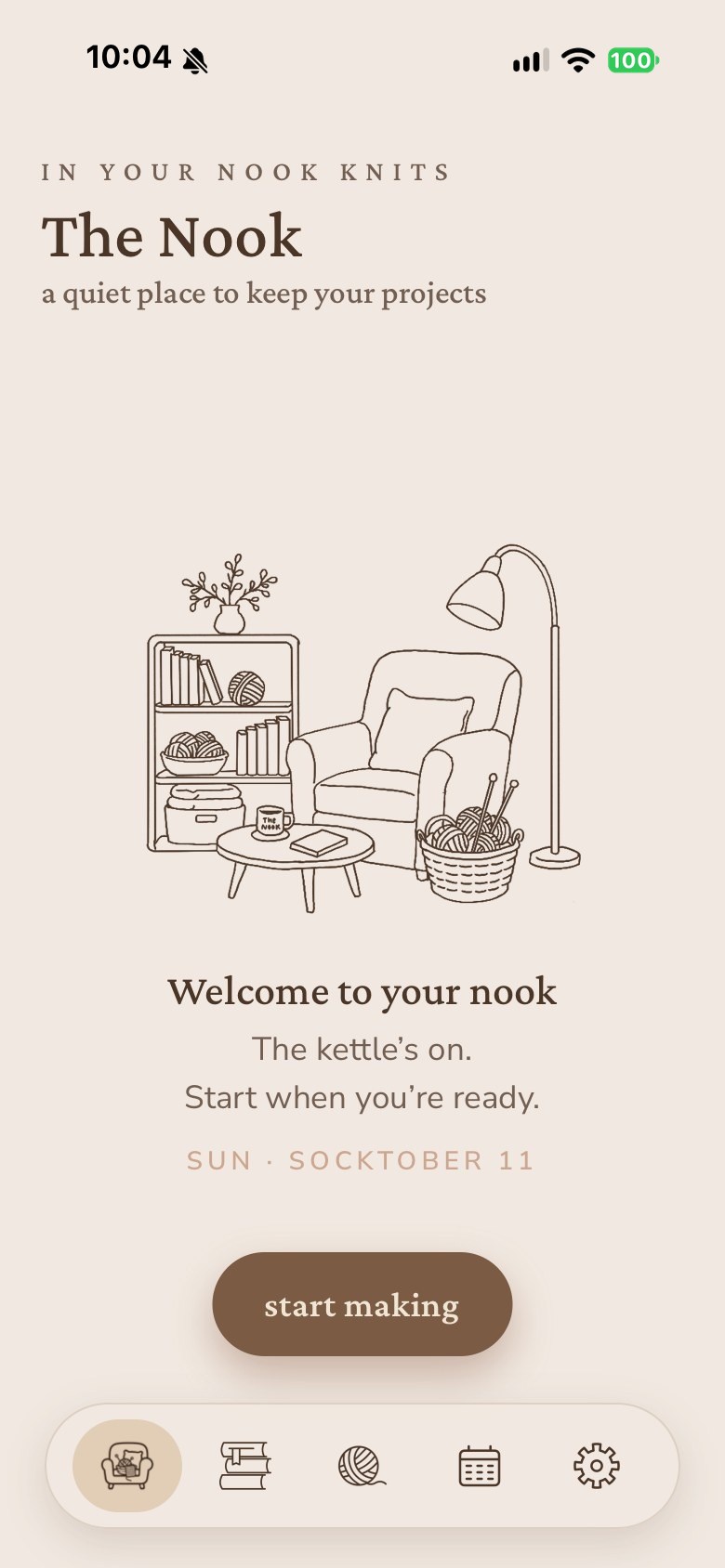
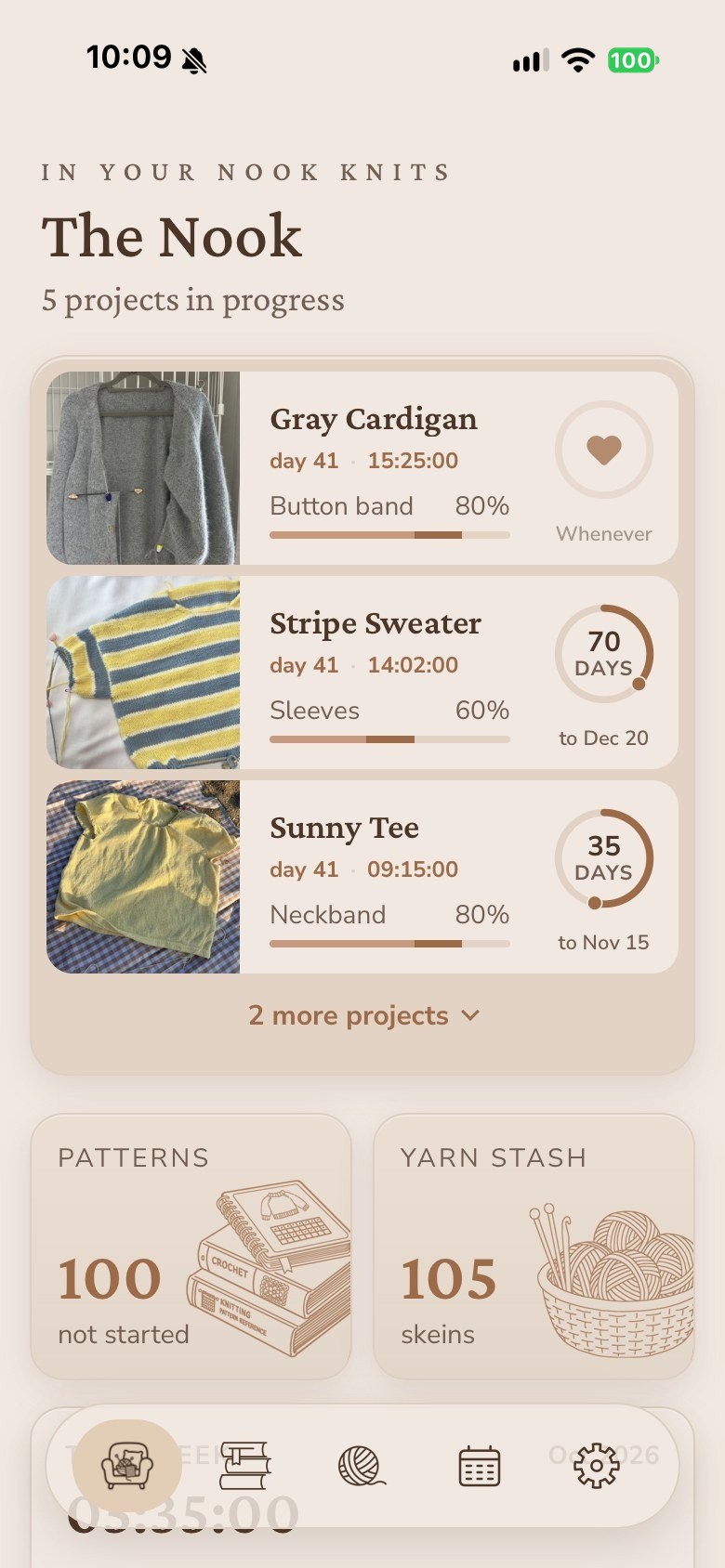
Start a project, lose count, find the pattern, mark the row you stopped at, check whether you already have that yarn. Knitting Nook holds all of it.
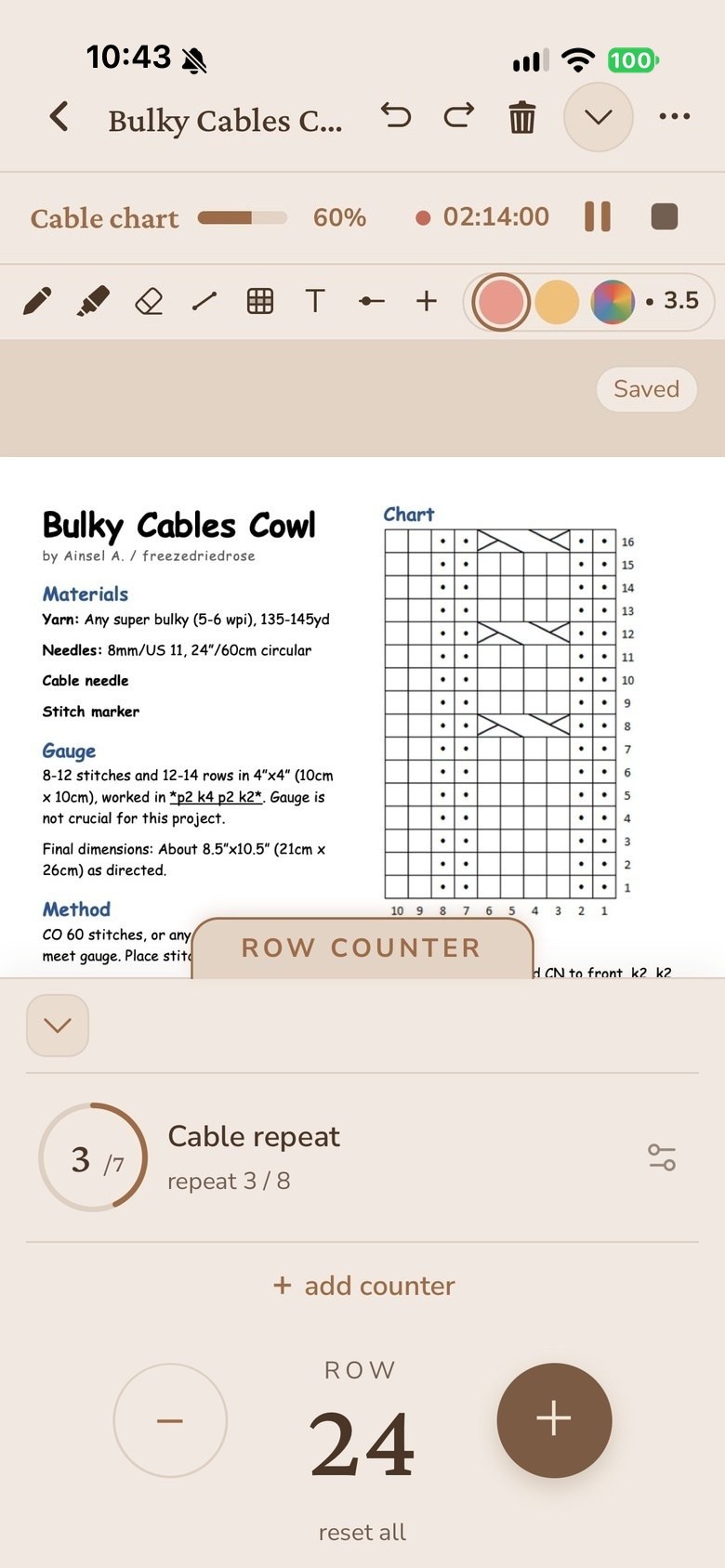
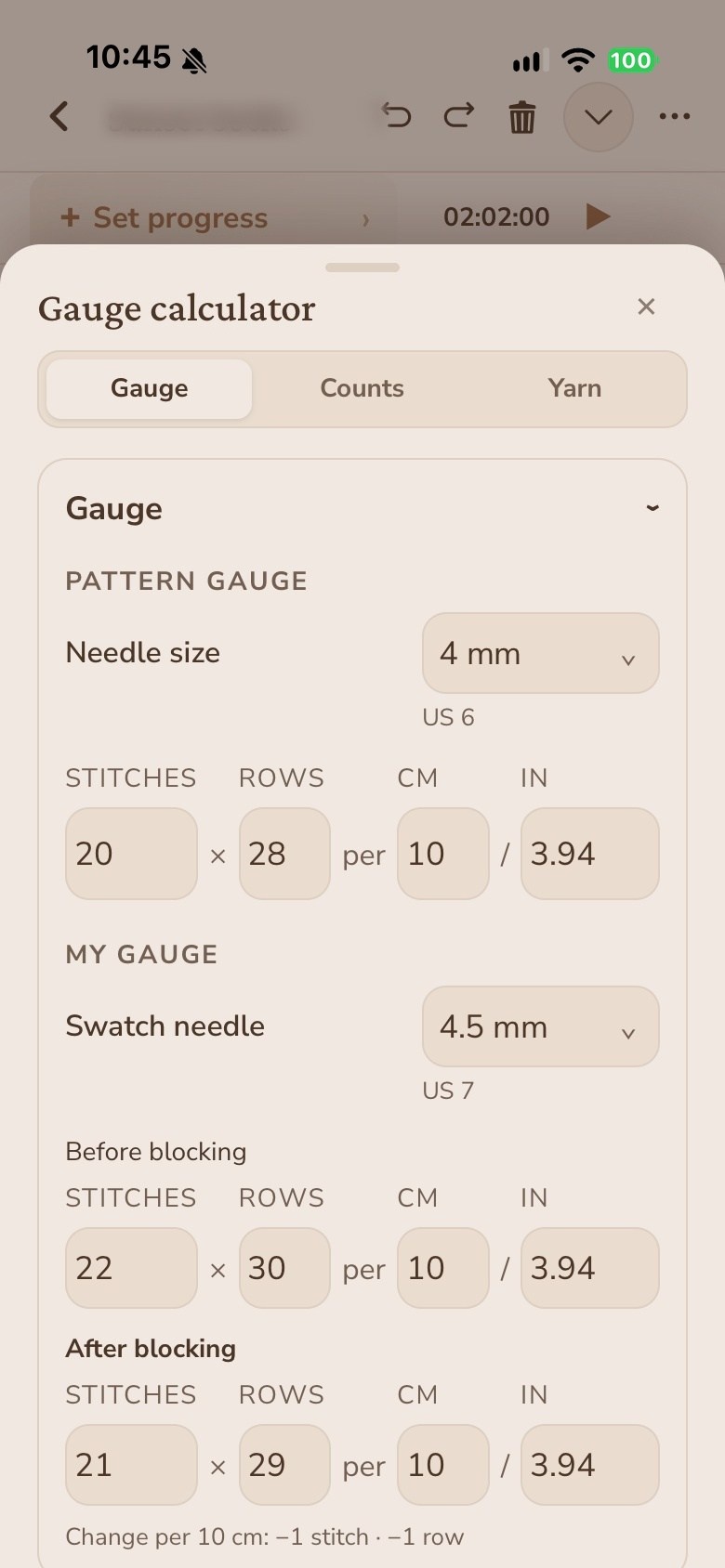
Tools
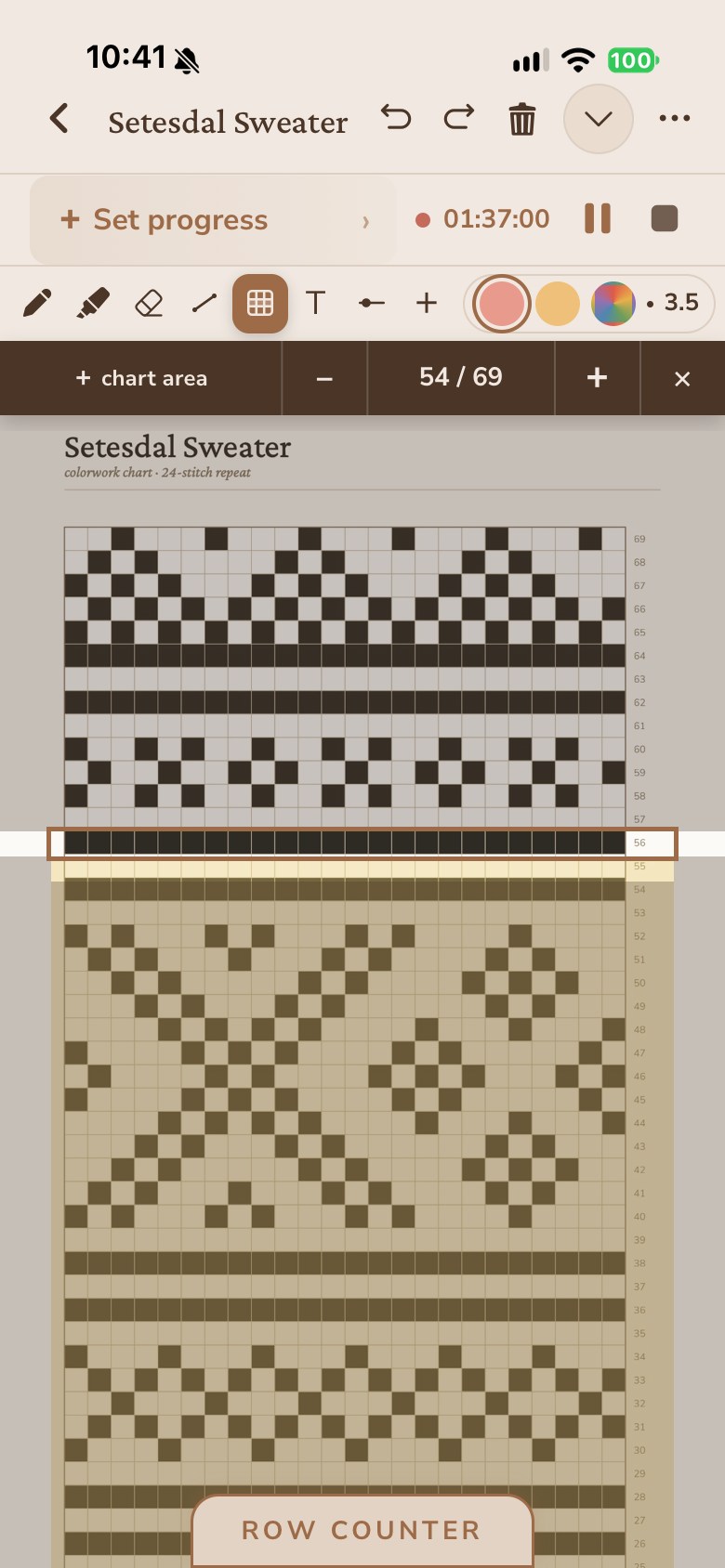
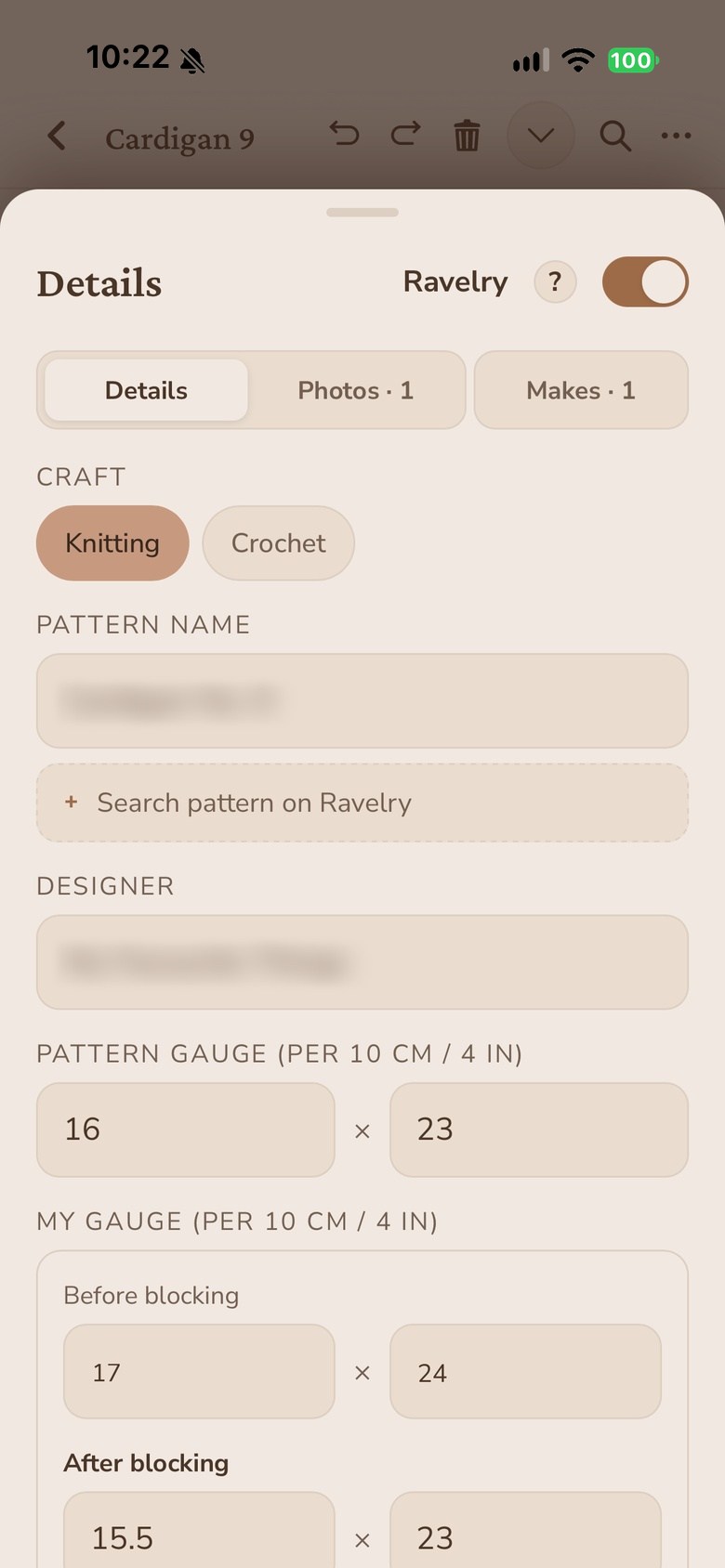
The chart marker moves up a row every time you count, and the rows you've finished stay marked. When your swatch doesn't match the pattern, the gauge calculator works the numbers out for you.
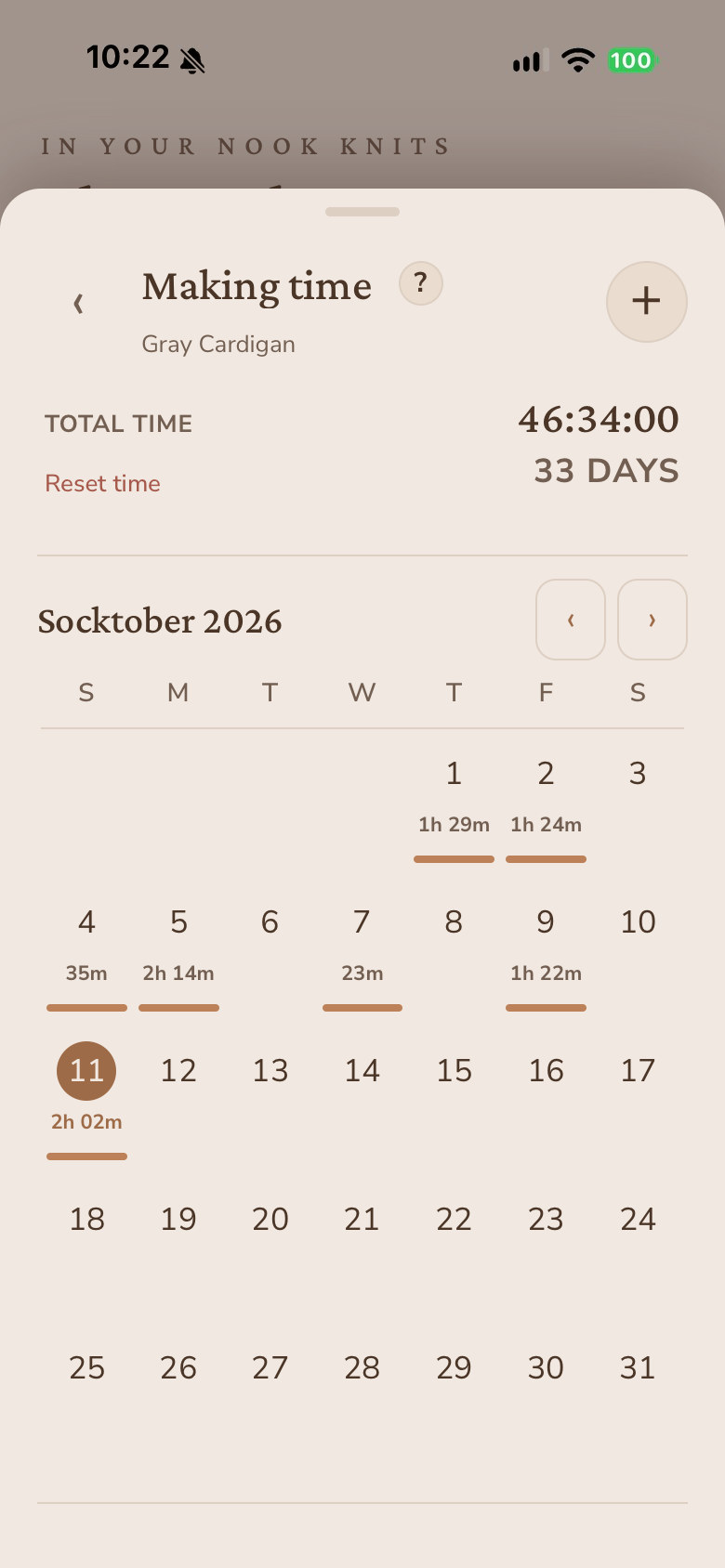
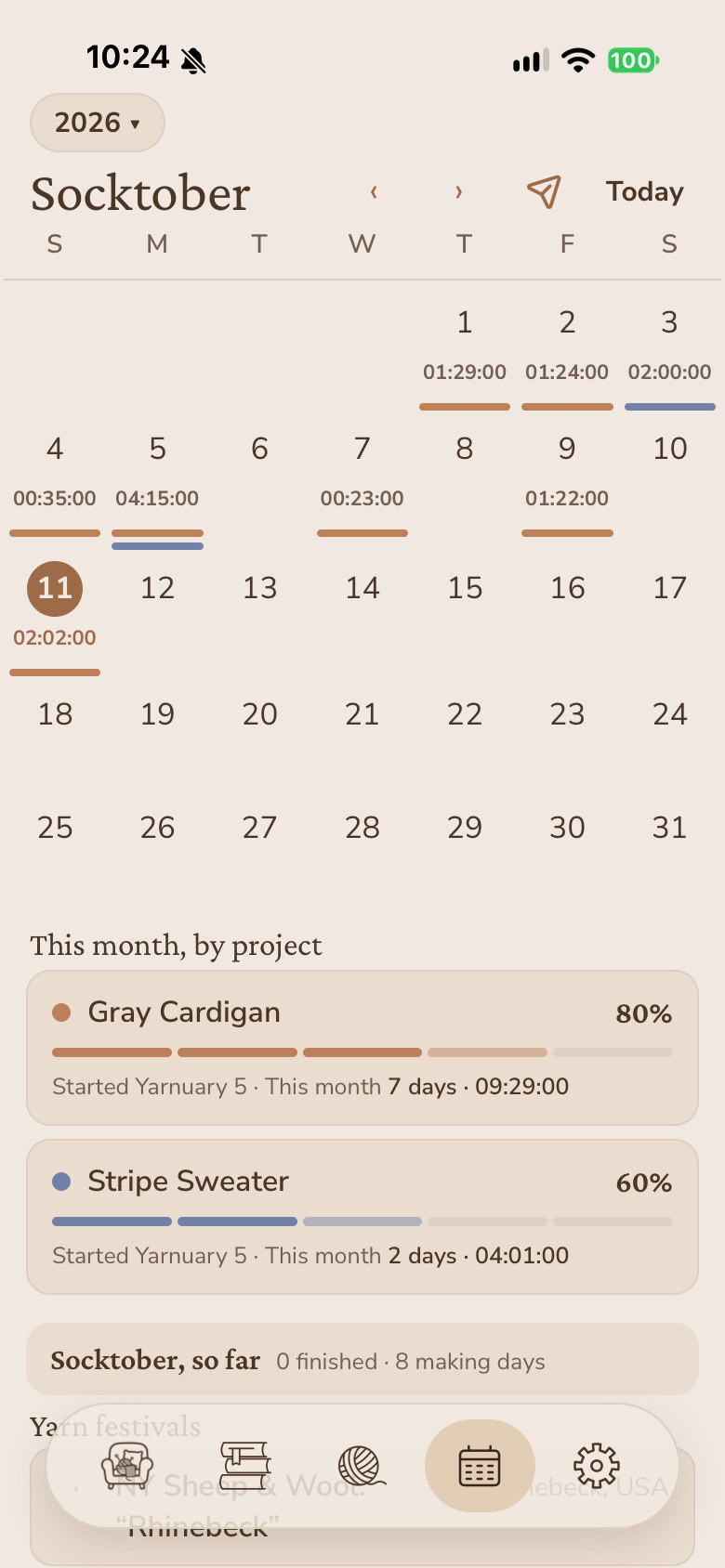
Time
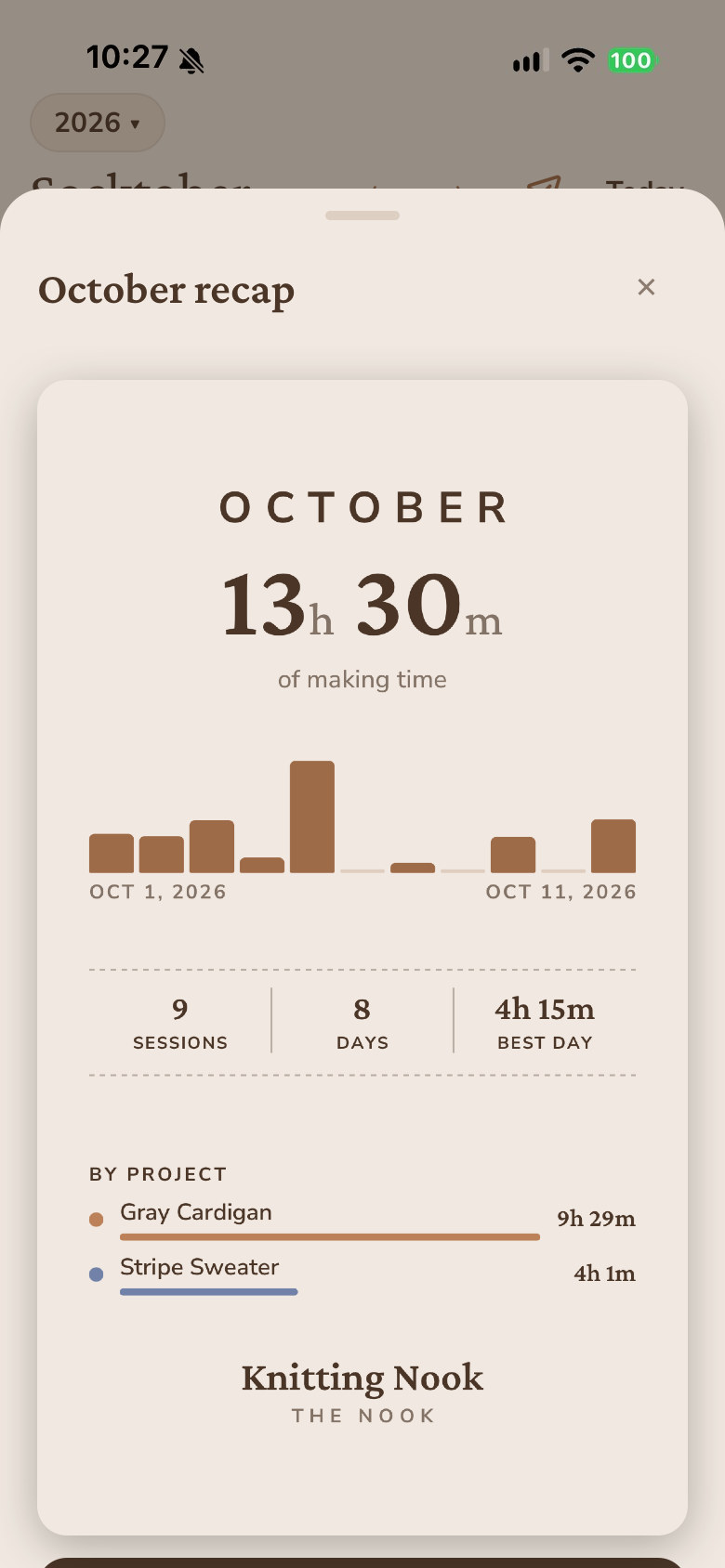
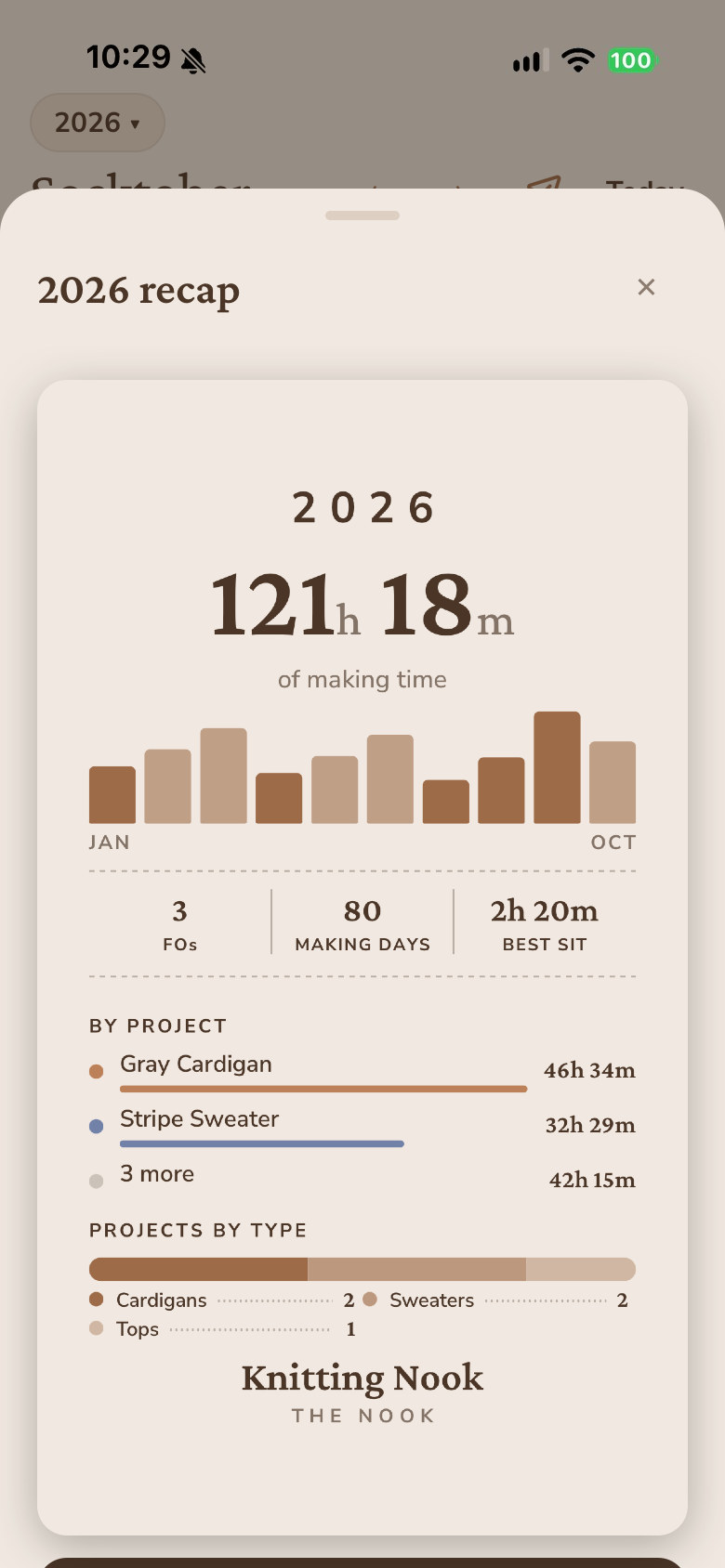
Tap start when you sit down and stop when you get up. Every session lands on the calendar, and at the end of the month or the year you get a card that adds it all up.
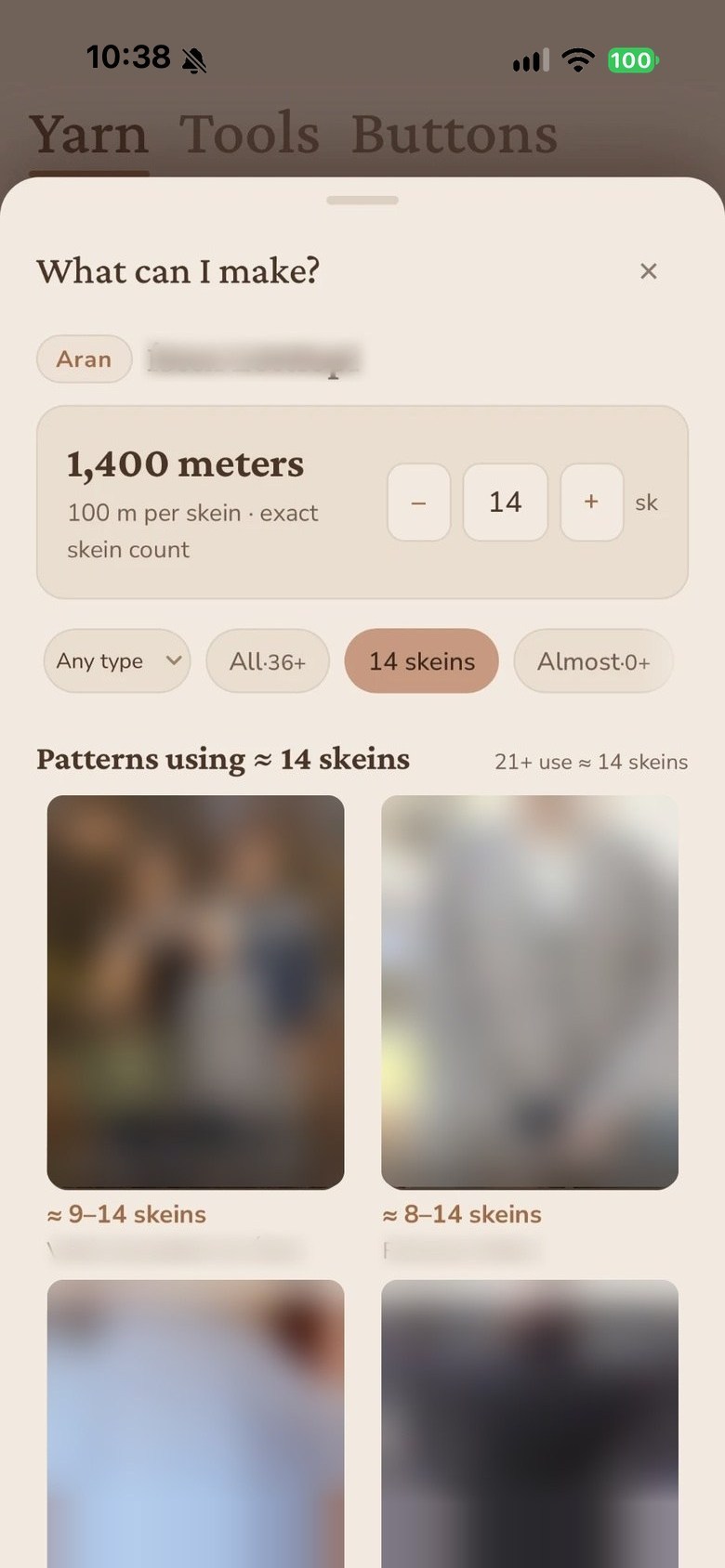
Stash
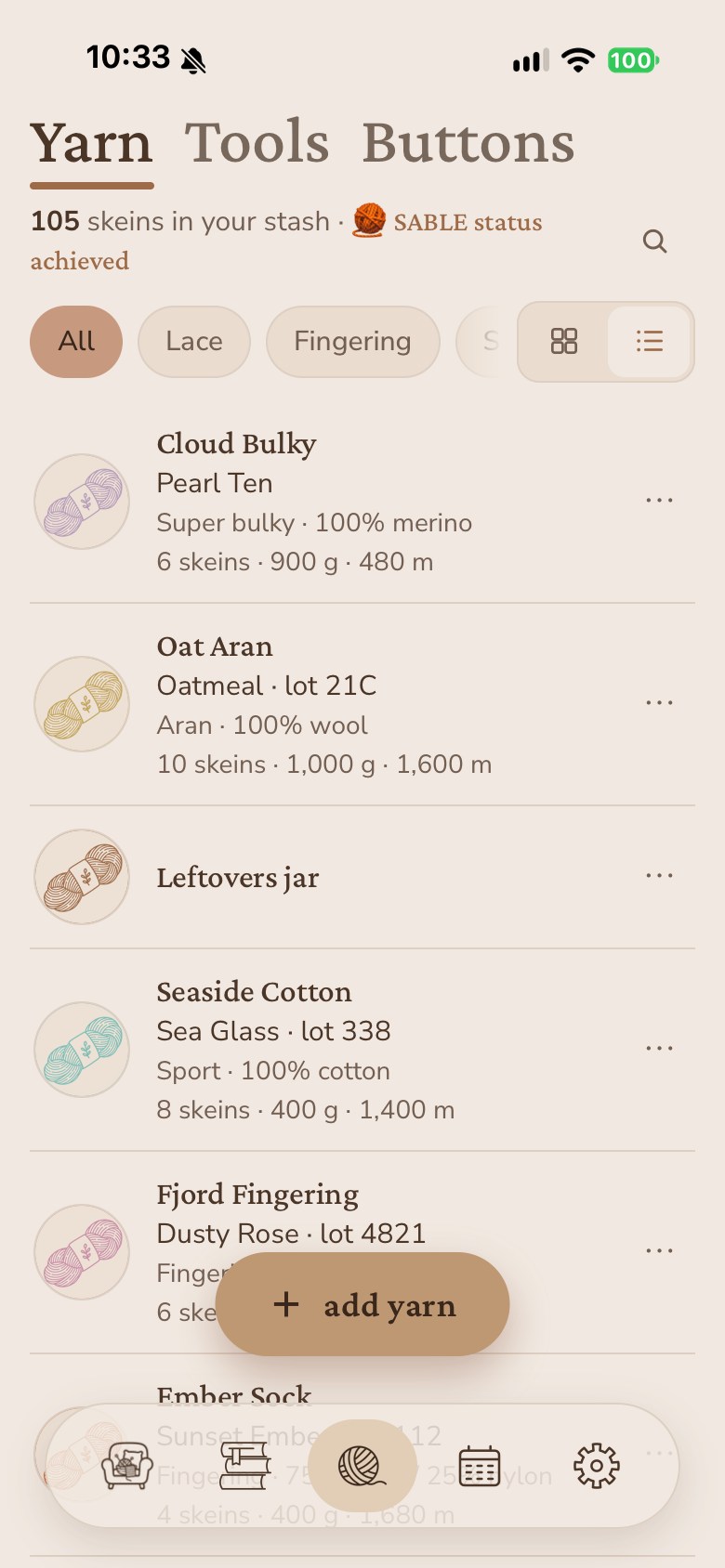
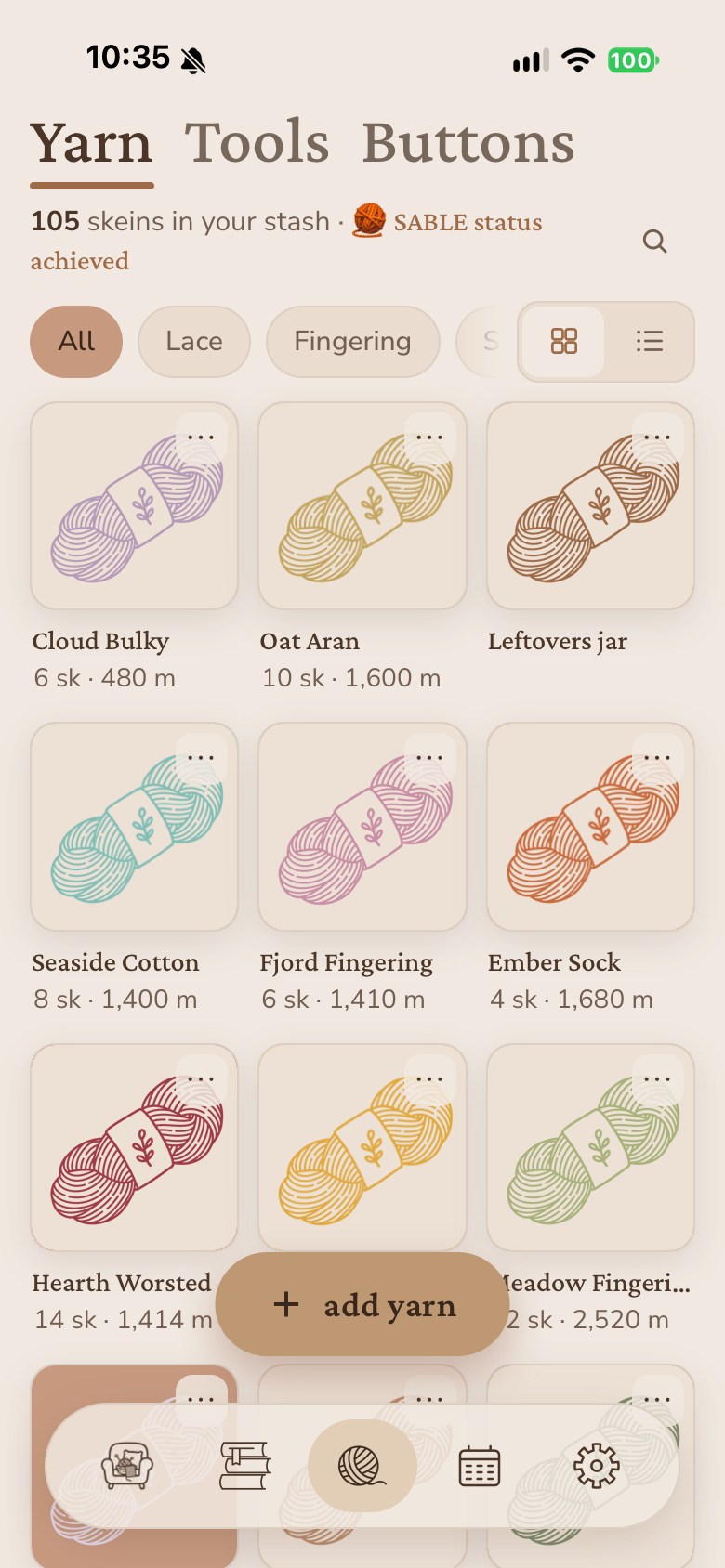
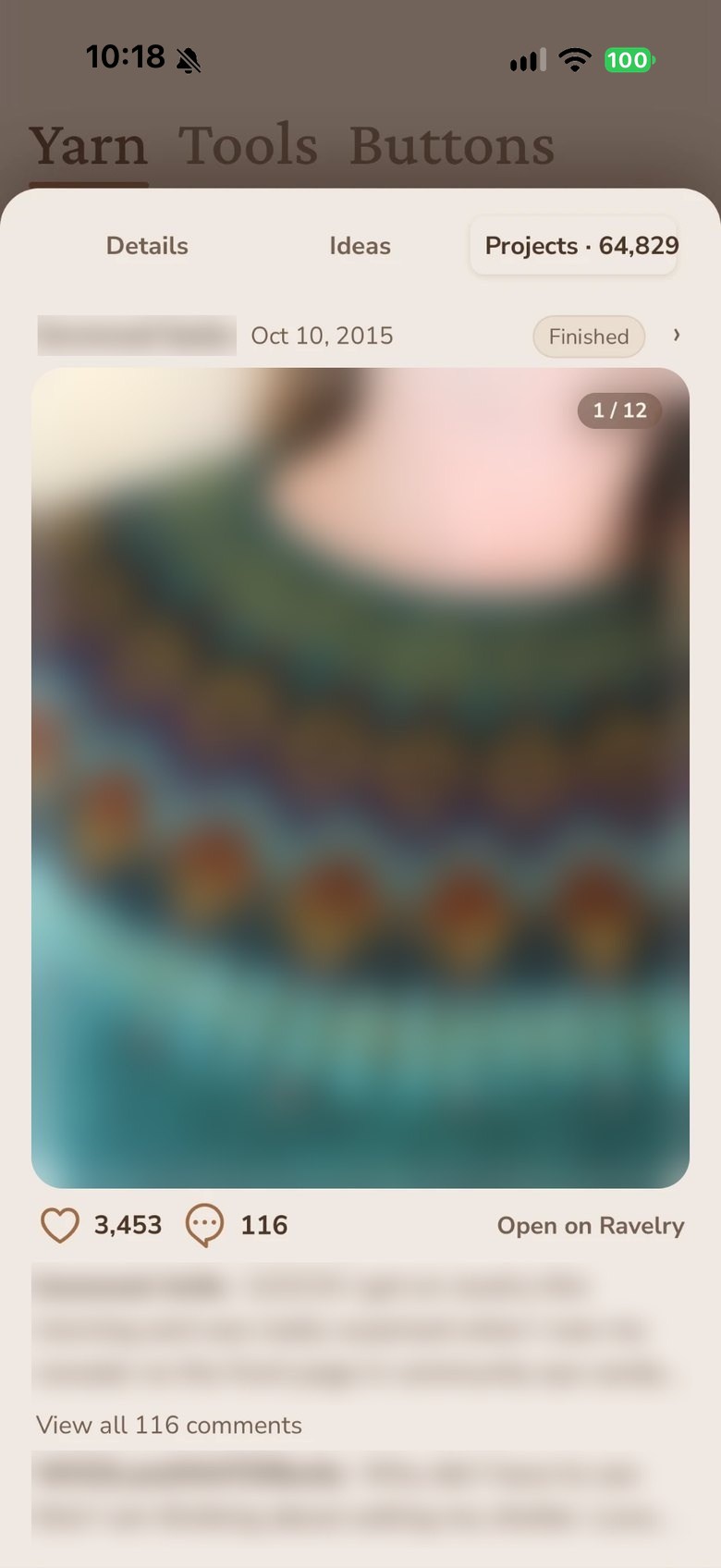
Pick a yarn you already own and see what you could make with it, and what other people made with the same yarn. That part needs Ravelry connected.
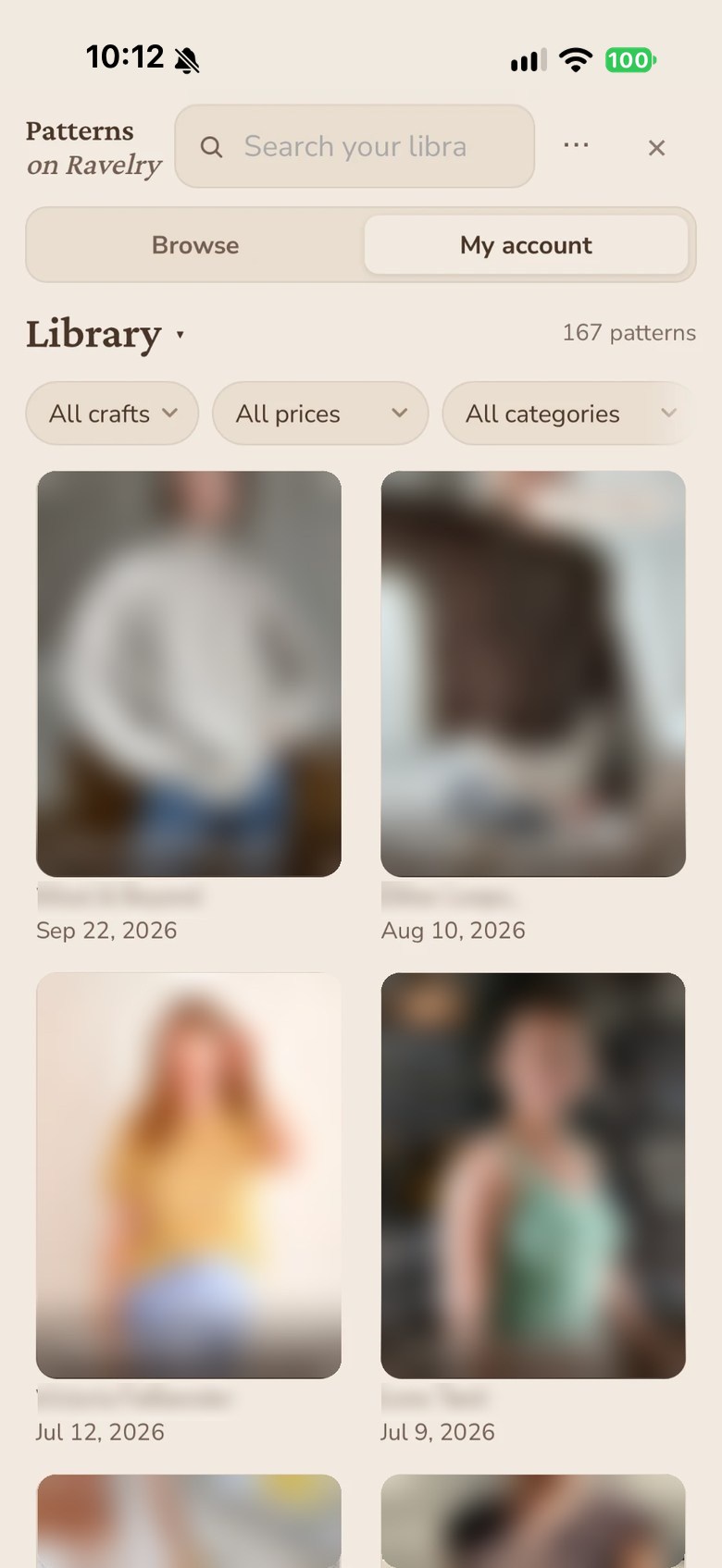
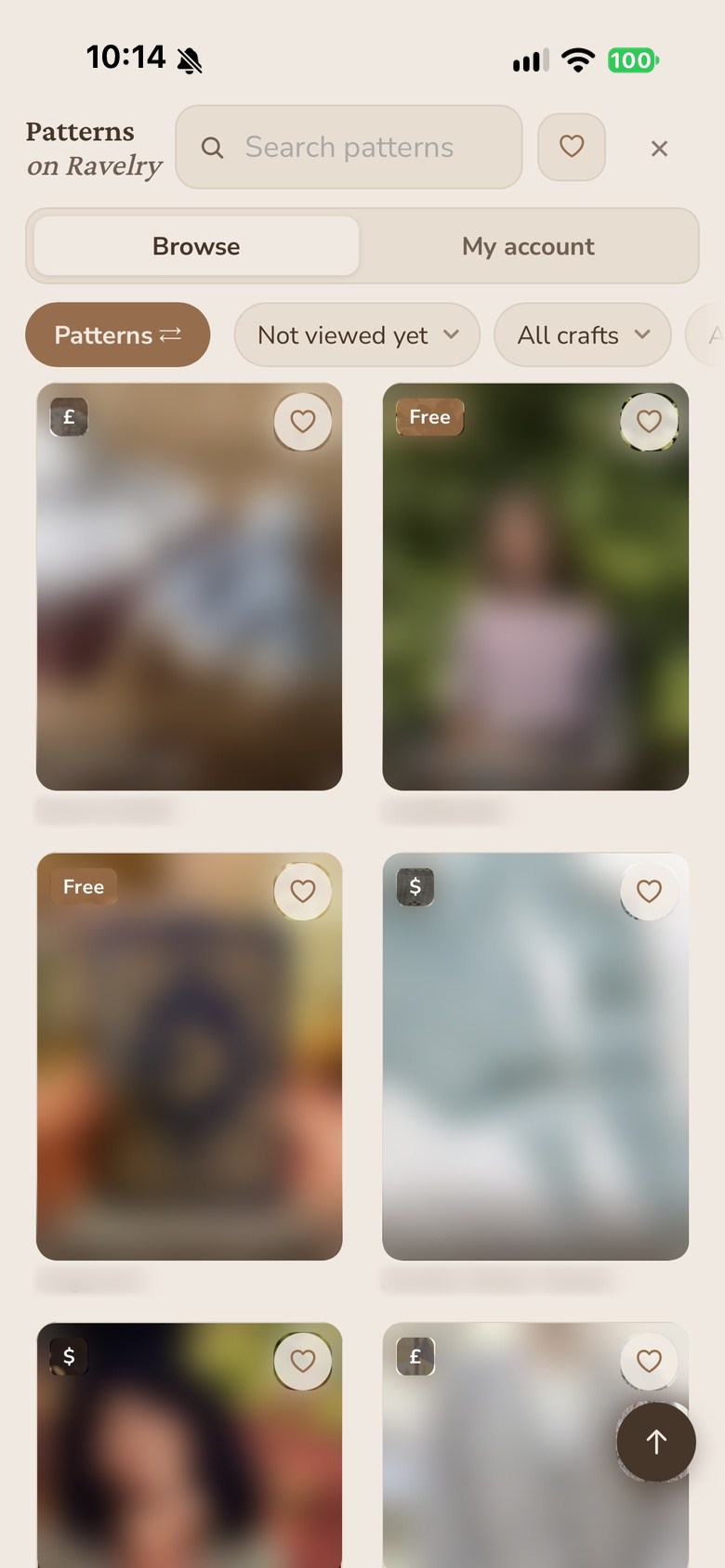
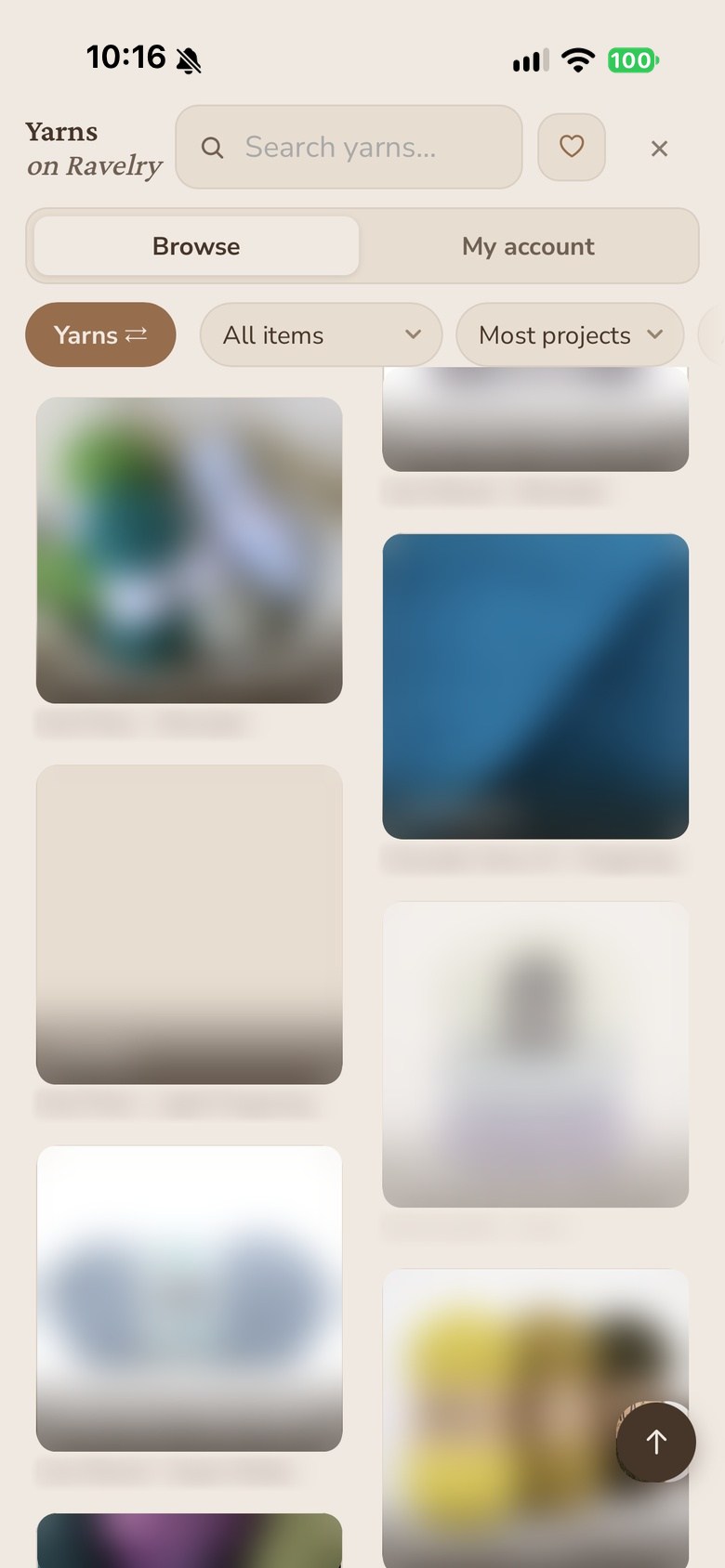
Ravelry
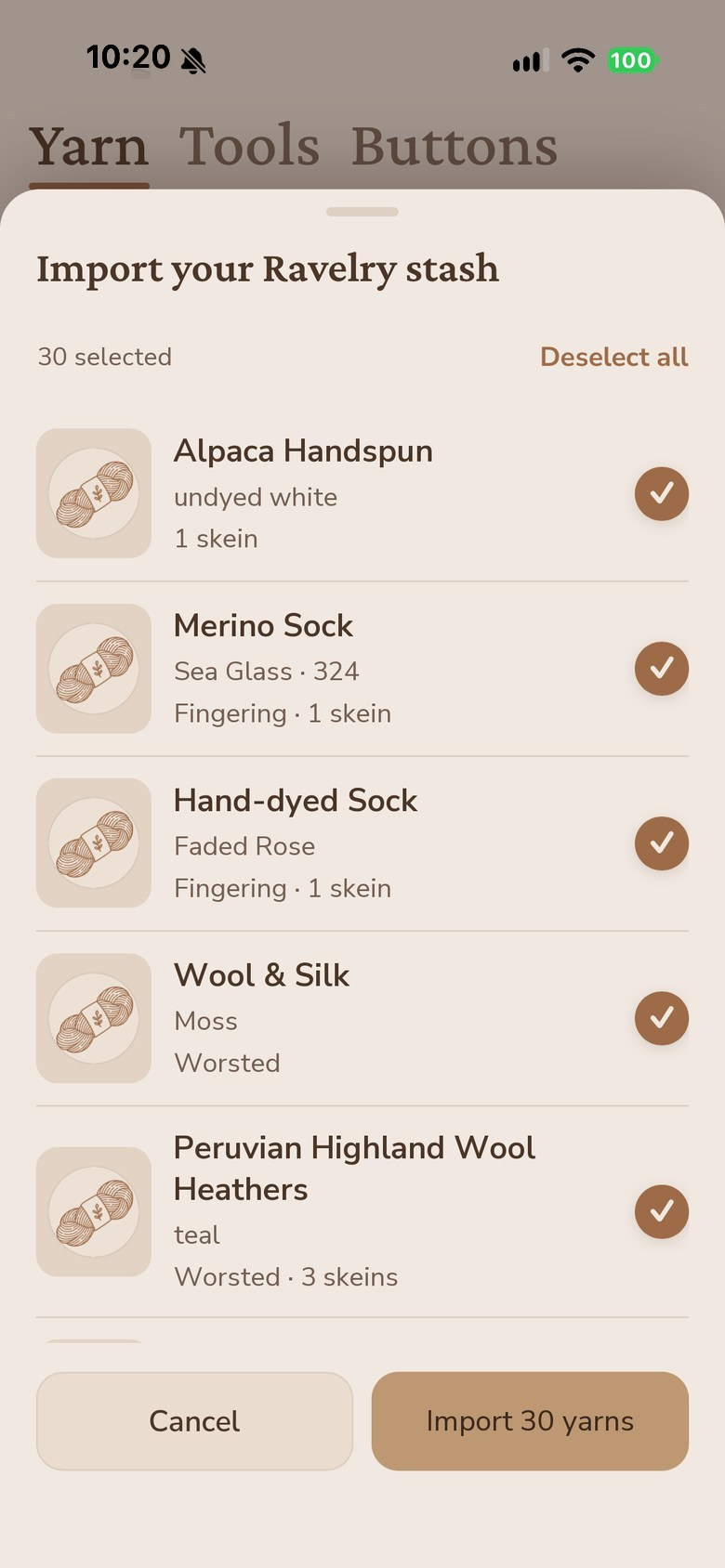
Connect your account and your patterns, your stash and your projects come with you. Import the yarn you already logged, open a library PDF straight into the viewer, and post a finished project back without leaving the app.
Knitting Nook isn't made by or affiliated with Ravelry. Ravelry features need a free Ravelry account.
Counting
Keep a counter running for each project you have going. The count is still there the next time you open the app.
Stash
Track the yarn you own so you can check it before you buy more of the same thing.
Patterns
Open a pattern PDF inside the app and write on it the way you would on paper.
Projects
Notes, photos, the yarn you used and the day you finished, all kept with the project.
Themes
Pick the one that suits your yarn, your room, or the time of day.
Sign in
Two ways in, both ones you already have. There is a guest mode if you would rather not sign in yet.
Plans
Every new account gets 14 days with everything turned on. After that you can stay on Free for as long as you like.
| Free | Pro | |
|---|---|---|
| Patterns | 3 | ∞ |
| Yarn stash | 3 | ∞ |
| Plans | ✓ | ✓ |
| Row counters | ✓ | ✓ |
| Pen & highlighter | ✓ | ✓ |
| Project timer & calendar | ✓ | ✓ |
| Ravelry, PDF & photo import | ✓ | ✓ |
| ZIP backup & restore | ✓ | ✓ |
| Note & text pages, files | ✓ | |
| Chart highlighter | ✓ | |
| Camera scan | ✓ | |
| Make it again | ✓ | |
| Gauge, shaping & dart calculators | ✓ | |
| Page color & printed ink | ✓ | |
| Button stash | ✓ | |
| Export patterns with your annotations | ✓ | |
| Cloud backup & sync | ✓ |
Ravelry is on every plan, free included, and always will be. Pricing is on the App Store listing and inside the app. A subscription is billed through the App Store, so you can cancel from your device settings at any time.
Questions
Yes. The beta is open on TestFlight, so you can install it today and use the whole app. Join the beta here. The App Store release follows, and Android's in the works.
iPhone, iPad, and Android. iOS comes first, and Android's in the works.
With Google or with Apple. Those are the only two, and there will not be others. You can also use the app in guest mode without an account.
No. Ravelry is optional. Connect it if you want your library in the app, and disconnect whenever you like.
The PDF viewer is built for Apple Pencil on iPad. You can still open and read your patterns on any supported device.
Nothing is deleted. Your projects, counters, and stash stay where they are.
On your device, and in cloud storage when sync is on. The privacy policy spells out exactly what is kept and where.
Support
Settings → Report a problem
Describe what went wrong and tap Email support. Your device model, your iOS version and the app's error log are attached automatically, so nothing important is left out.
The app opens an email with the report already prepared. A screenshot of what you were seeing often shows the cause right away, even when it's hard to put into words.
What the app collects, where it is stored, and how to delete it: read the privacy policy.